

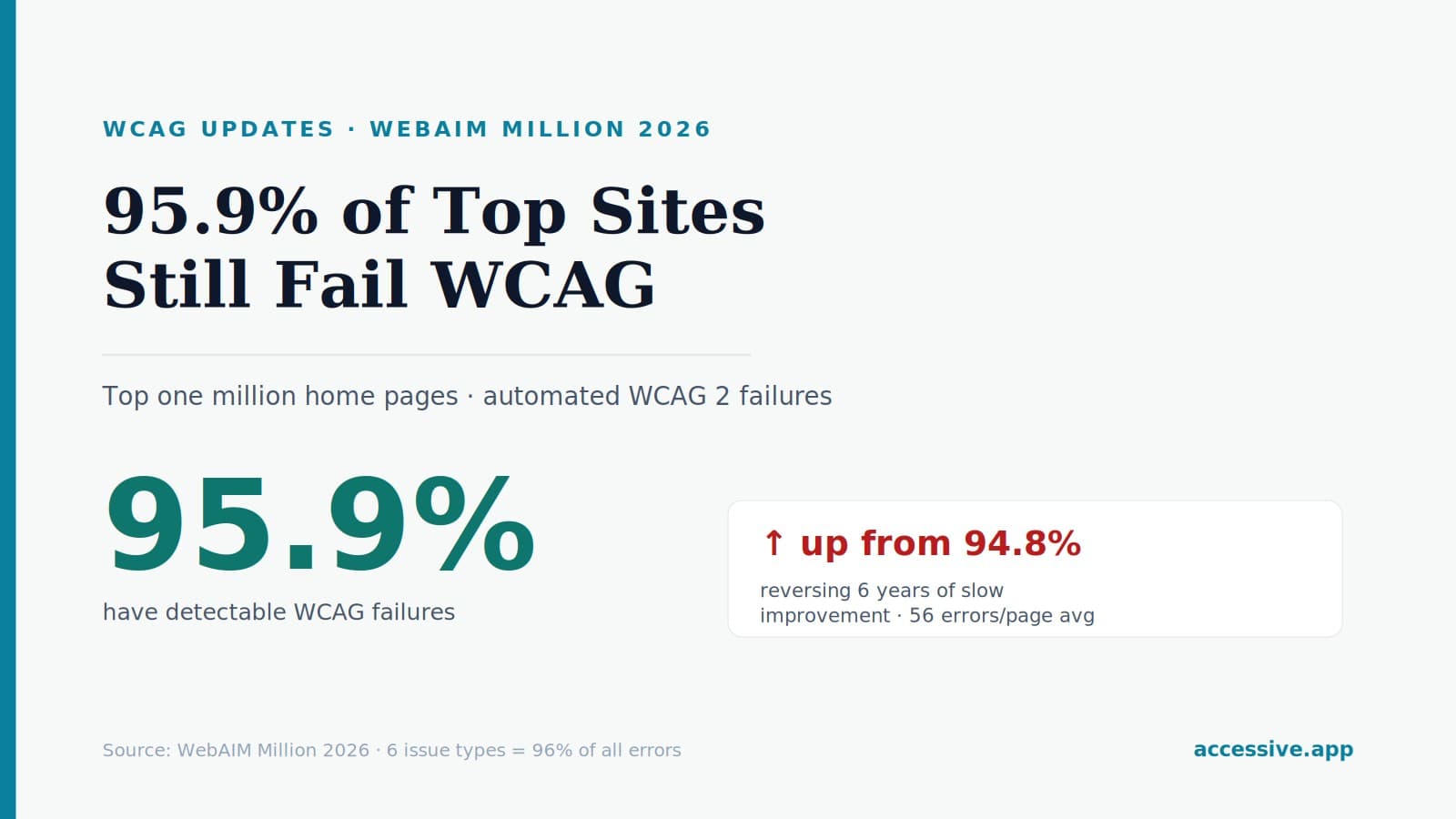

WebAIM's latest analysis of the top one million home pages found 95.9% have detectable WCAG failures — up from 94.8%, reversing six years of slow progress. Here's what the data means and the six fixes that address most of it.
Every year, WebAIM runs the single most-cited measurement of how accessible the web actually is: an automated analysis of the home pages of the top one million websites. The latest report delivers a number that should stop any compliance team in its tracks — and a trend reversal that's arguably more important than the number itself.
95.9% of the top one million home pages have detectable WCAG failures. Less than 5% of the most-visited sites on the internet pass even the automatically-detectable bar. And for the first time in years, that figure went up.
Key takeaways from the latest WebAIM Million
The headline findings:
- 95.9% of home pages had detectable WCAG 2 failures — meaning fewer than 4.1% were even close to conformant on automated checks alone.
- That's up from 94.8% the previous year, reversing a six-year trend of small annual improvements.
- The average home page had 56.1 detectable errors, a 10.1% increase year over year.
- Home-page complexity jumped 22.5% in a single year, to an average of 1,437 elements per page.
- Six issue types account for 96% of all detected errors — and have been the same six for seven straight years.
Read those together and a clear story emerges: the web is getting more complex faster than it's getting more accessible, and in the latest data, complexity won.
Why the reversal matters
For six years, the WebAIM Million showed slow, steady improvement — a percent or so a year. The accessibility community took that as evidence that awareness, tooling, and legal pressure were slowly working. The latest report breaks that line: failures rose, errors per page rose, and the gains stalled.
The likely culprit isn't that teams stopped caring — it's that sites are ballooning in complexity. A 22.5% jump in page elements in one year means more components, more interactivity, more third-party widgets, more surface area for accessibility to break. When a page adds hundreds of new elements, each one is a chance to ship a missing label or an empty button. Accessibility effort that holds steady still loses ground if complexity grows faster.
The web isn't getting less accessible because teams stopped trying. It's getting less accessible because pages are growing faster than anyone is fixing them.
There's a second lesson buried in the data: ARIA is not a shortcut. Across recent reports, pages using ARIA averaged more detectable errors than pages without it — not because ARIA is bad, but because complex sites reach for ARIA to patch accessibility after the fact, often incorrectly. Bolting ARIA onto a broken structure tends to add problems, not fix them.
The six issues behind 96% of all errors
Here's the genuinely encouraging part. The same six issue types have dominated the WebAIM Million for seven years running, and they're all fixable:
- Low-contrast text — the most common issue, year after year. Fix with an accessible color palette that meets the 4.5:1 ratio for normal text.
- Missing alternative text on images. Fix with concise, meaningful alt text; mark decorative images as such.
- Missing form input labels. Fix by associating a visible label with every field.
- Empty links — links with no discernible text. Fix by giving every link meaningful, descriptive text.
- Empty buttons — buttons with no accessible name. Fix by labeling every control with what it does.
- Missing document language. Fix by setting the
langattribute on the<html>element.
WebAIM's own conclusion is blunt: addressing just these few categories would significantly improve accessibility across the entire web. They're not exotic edge cases — they're the basics, repeated a million times over.
What automated numbers do and don't tell you
One crucial caveat: the WebAIM Million only measures automatically detectable failures. That means the real conformance picture is worse than 95.9%, not better — because automated tools catch only a fraction of all WCAG criteria. Things like logical focus order, meaningful keyboard navigation, sensible reading sequence, and whether alt text is actually accurate all require human review.
So when a scanner reports your site is "clean," that's necessary but not sufficient. A site can pass every automated check and still be unusable with a screen reader. The WebAIM data is a floor, not a ceiling — and even that floor is failed by 95.9% of the web.
What this means for your site
The practical implications for any US business managing ADA and WCAG 2.2 AA compliance:
- Assume you're in the 95.9% until proven otherwise. The odds are overwhelming that your site has detectable failures right now.
- Start with the six. Contrast, alt text, labels, empty links, empty buttons, document language — fixing these addresses the vast majority of automated errors and the bulk of litigation-cited issues.
- Don't trust ARIA as a patch. If you're using ARIA to paper over structural problems, you may be adding errors. Fix the underlying HTML first.
- Pair automated scanning with human review. Automated tools are essential for catching the six common issues at scale, but conformance requires manual testing too.
- Monitor continuously. Complexity grew 22.5% in a year — your site is almost certainly adding elements (and potential failures) constantly. A one-time fix decays; ongoing monitoring keeps pace with the complexity that's driving the web's regression.
The bottom line
The latest WebAIM Million is a reality check: 95.9% of the most-visited sites on the web fail automated WCAG checks, the trend just reversed after six years of progress, and rising complexity is the engine behind it. But the data also hands you the solution — six recurring, fixable issues account for 96% of all errors. The sites that beat the average aren't doing something exotic; they're getting the basics right and keeping them right as they grow. In a year where the web as a whole moved backward, that's an opportunity to stand out — and to stay out of the litigation that inaccessibility increasingly invites.
This article is for general information and is not legal advice. For guidance on your specific situation, consult a qualified attorney or accessibility professional.